
The bit nobody explains
Where your website lives,
and why that costs nothing.
"Free hosting" sounds like a trial that runs out. It isn't, and you deserve to know why rather than take my word for it. This page explains the whole arrangement in ordinary words. It should take about four minutes.
The setup
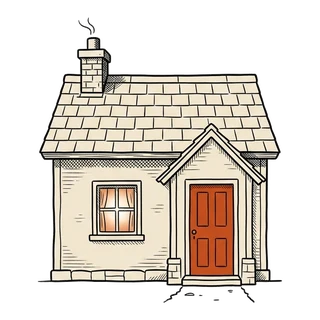
Your website lives in two places
A website is not one thing sitting in one building. It's a pile of files, kept somewhere safe, and shown to the world from somewhere fast. Two free services do those two jobs.
-

GitHub — the cupboard
Every page, photo and word of your site is a file. GitHub is where those files are kept. It also keeps every version that has ever existed, with the date and who made the change. Delete something by accident on a Tuesday? Tuesday morning is still there. The cupboard can be locked so only your people can look inside.
-
Cloudflare — the shop window
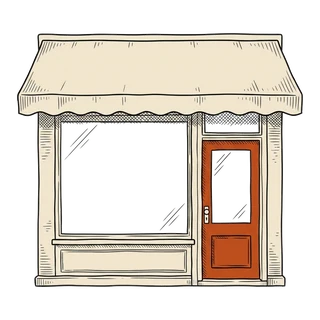
Cloudflare takes a copy of those files and puts it on computers all over the world. When somebody opens your site, they're served from a machine near them, so the page appears quickly. It also provides the padlock in the address bar for free, and renews it without anyone remembering to.
-
Your web address — the sign
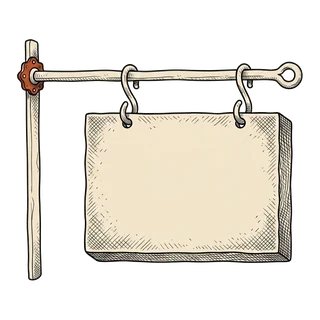
Your domain name — your-charity.org.uk — is the sign over the door, and it stays registered to the charity. All that changes is where it points. That's one setting, changed once, and I'll sit with you while you do it.
Day to day
What happens when you change a word
This is the part that used to need a phone call to a web developer. Now it doesn't.
-
You type
You open your site's editor, click the words on the page, change them and press save. No code, no special software.
-
It's written down
The change is saved into the cupboard with your name and the date on it. Nothing is ever quietly overwritten.
-
It goes live
The shop window notices within seconds and puts the new version up. Usually under a minute, start to finish.
The important bit
You hold the keys — all of them
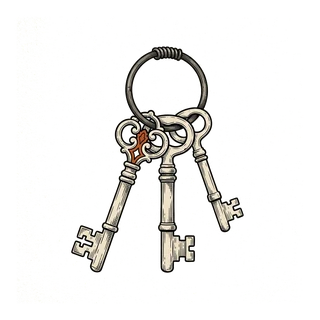
Both accounts are opened in the charity's name, on a charity email address, with a password only you know. Not mine. Not one volunteer's personal Gmail that leaves when they do.
I'm added as a helper so I can do the work. You can remove me in two clicks, whenever you like, without asking me and without breaking anything. The site carries on exactly as it was.
The same goes for anyone else. A trustee, a new member of staff, a volunteer who's good with computers, a different developer next year — you add them yourself, and you take them off yourself. Nobody has to come through me. That's the whole point: this has to keep working long after I'm out of the picture.
And if the charity already has hosting it's happy with, that's fine too. It's just files. I'll hand them to whoever looks after your website today.
The honest reason
Why free is better here, not worse
Free normally means a trial, a cut-down version, or a bill in six months. This is none of those, and the reason is simple once someone says it out loud.
Your website is a set of finished pages. When someone opens one, nothing has to run, work anything out or think. A copy of a page that already exists is handed over, and that costs these companies close to nothing — so they don't charge for it. What sites normally pay for is a computer running software all day, every day, whether anyone visits or not. Yours doesn't need one.
-
The usual way
£5 to £20 a month for hosting, before anybody has touched the site itself.
This wayNothing, on a free plan built for sites far bigger than yours.
-
The usual way
A stack of add-ons that must be updated, or the site gets broken into.
This wayNo add-ons, no database, no login on the server. Very little to attack.
-
The usual way
One shared computer in one building, shared with hundreds of other sites.
This wayA copy kept near each visitor, so the page opens fast wherever they are.
-
The usual way
Leaving means paying somebody to rescue the site from where it's stuck.
This wayThe files are already yours. Moving is a copy, not a rescue.
Being straight with you
What this setup doesn't do
A site like this shows things beautifully, and it will do that for years without a bill. What it can't do on its own is take a booking, take a card payment, or hold a list of members' details. Those need something running in the background — the very thing we just avoided paying for.
If you ever want one of those, it's a separate job, and some of it may carry a small monthly cost. I'll tell you the number before anything gets built. It isn't part of the free redesign, and you'll never find it added to the end of one.
What you pay
One bill, and you already pay it
Your web address has to be renewed once a year, to whoever you registered it with. That's usually £10 to £20, and if your site is live today, it's already going out.
Nothing else on this page has a renewal date, a licence or a contract.
If you don't own a web address yet, I'll show you where to buy one and what to avoid paying for. You buy it, in the charity's name, so it's yours from the first day.
If someone uses one of these
Words you might hear

- Repository, or "repo"
- The cupboard. It's just the folder holding your website's files, with its history attached. Yours would sit on GitHub, and it can be private.
- Deploy
- Publishing the new version. On your site it happens by itself, about a minute after you press save.
- Static site
- A site made of finished pages, rather than one built fresh every time somebody visits. It's the reason yours is fast, hard to break into, and free to host.
- SSL, or "the padlock"
- The little padlock next to your web address. It means the connection is private, and browsers now warn people when it's missing. It's free here and renews itself.
- DNS
- The signpost that sends anyone typing your web address to the right place. Changing it is one setting, changed once.
Still sounds too good? Ask me anything.
I'd rather answer an awkward question now than have you wondering later. Send me your web address and I'll tell you exactly what I'd do, and what it would cost to keep.